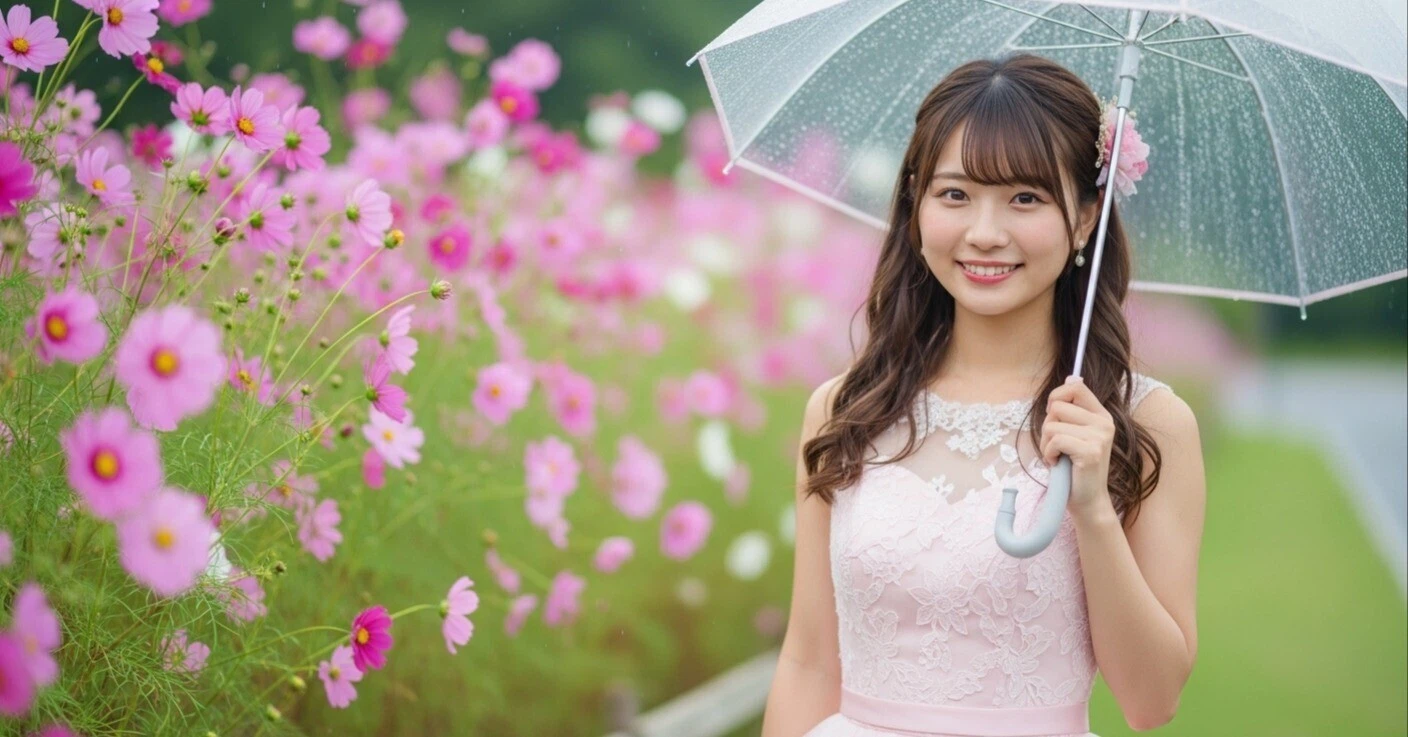
📸 Lightroom Preset Pack: “Made for Instagram”
Turn your photos into scroll-stopping, Instagram-worthy masterpieces with this curated set of Lightroom presets.
These 5 presets are specially designed to highlight your subject and boost engagement—perfect for creators, influencers, and lifestyle photographers.
💰 Price: ¥2,000 JPY (approx. $13.00 USD)
🌿 1. Film Look (Natural / Fujifilm-Inspired)
Style: Muted tones, soft contrast, film-like color palette
Best for: Cafes, street snaps, lifestyle content
Inspired by: Fujifilm CLASSIC CHROME / REALA ACE
Recommended Settings:
- Contrast: Low
- Saturation: Muted (especially reds and greens)
- Highlights: -20 to -40
- Shadows: +20 to +40
- Clarity: -5 to -10

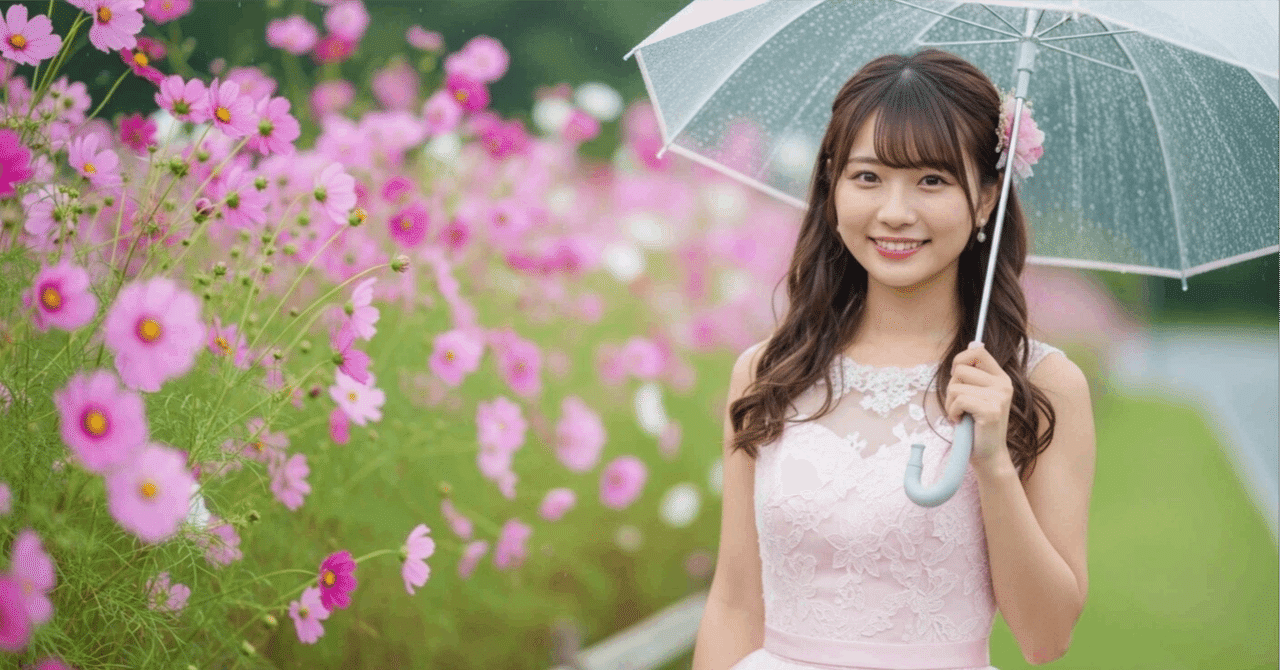
☀️ 2. Bright & Soft
Style: High exposure, airy and soft tone. Popular with female photographers.
Best for: Portraits, flowers, breakfast tables
Recommended Settings:
- Exposure: +0.3 to +0.7
- White Balance: Slightly warm (+200 to +400)
- Clarity: -10 to -15
- Orange tones: Boost saturation and luminance for glowing skin

☕ 3. Warm Brown (Cafe Mocha Tone)
Style: Cozy brown filter with calm, warm tones
Best for: Cafes, coffee, baked goods, home goods
Recommended Settings:
- White Balance: Warm color temperature (+500 to +800)
- Grain: Medium (+20 to +40)
- Hue: Shift green toward yellow
- Color Grading: Add brown tones to shadows

🌈 4. Pastel Pop
Style: Bright, pastel-colored finish with a pop aesthetic
Best for: Fashion, travel, accessories, sweets
Recommended Settings:
- Saturation: +10 to +25
- Clarity: Slightly lower
- Colors: Boost blues and pinks, soften yellow
- Tone Curve: Slight S-curve for contrast

🌊 5. Cool & Moody
Style: Blue-toned, calm and cinematic atmosphere
Best for: Landscapes, architecture, street snaps, monochrome fashion
Recommended Settings:
- White Balance: Cooler temperature (-500 to -800)
- Shadows: -10 to -30
- Highlights: Slightly lowered
- Hue: Adjust green and blue for a stylish effect

💻 How to Install
- Download and unzip the preset pack
- In Lightroom, go to Develop → Presets Panel
- Click the + button and select Import Presets
- Choose the .xmp files from your folder
Make your feed unforgettable—download the Instagram Look Preset Pack now and level up your visuals in one click.

コメント