Lightroom Presets for Midjourney / DALL·E / Stable Diffusion Creations
Do your AI-generated images look a little too artificial?
You’re not alone. Many creators face issues like:
- Flat lighting
- Plastic-looking skin
- Harsh or unnatural tones
- Overly digital feel
🎯 These Lightroom presets are designed to bring natural beauty and realism back to your AI-generated photos.
📦 What’s Included (6-Preset Bundle)
Each preset is carefully tuned to correct common issues found in AI-generated images:
Preset Name
Purpose
clear_ai_photo
Reduces digital harshness and adds soft tone curves
clear_master_ai_photo
Enhances skin tones and highlights under backlight
clear_super_ai_photo
Adds depth with enhanced light and shadow balance
natural_super_ai_photo
Calms down harsh colors and gives a gentle, balanced look
natural_master_ai_photo
Smooths skin tones and boosts natural contrast
natural_fine_ai_photo
Brings a cinematic look with fine tonal adjustments
✅ Includes .xmp (for desktop) and .dng (for mobile) versions.
📱 Works on Both Desktop & Mobile
- .xmp files: Use with Lightroom Classic / Lightroom CC (PC/Mac)
- .dng files: Import directly into Lightroom Mobile (iOS/Android) — no paid subscription required!
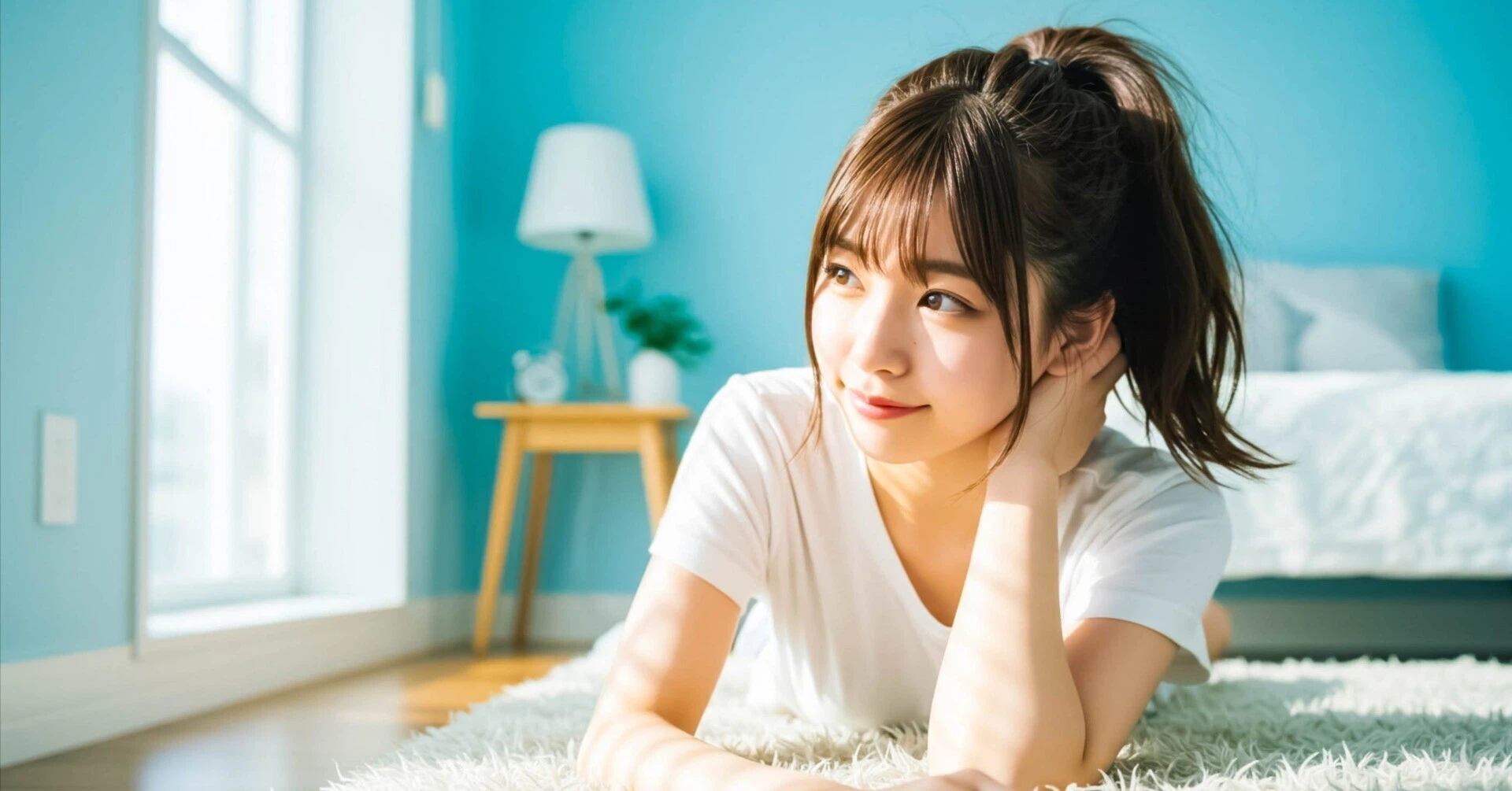
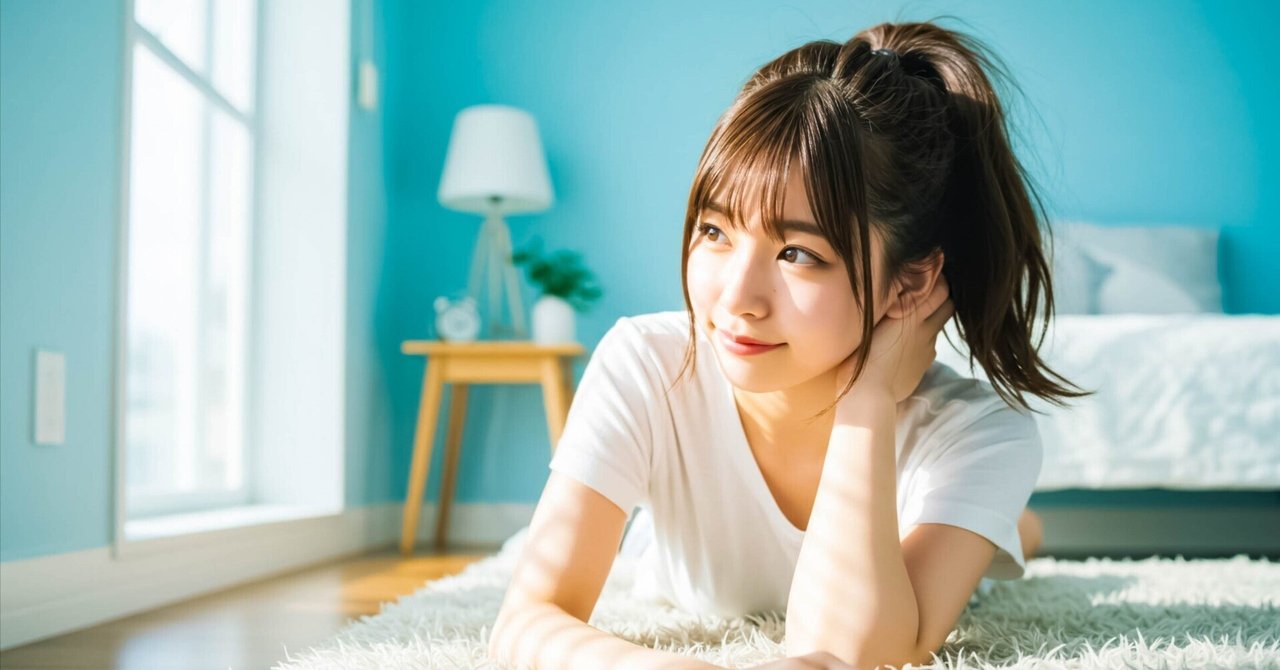
🎨 Before & After Comparison


Before (AI Raw Output)
After (With Preset Applied)
Flat and lifeless skin
Natural glow with better texture
Unnatural colors
Balanced tones and realistic mood
Lack of depth
Subtle contrast and depth added


コメント