
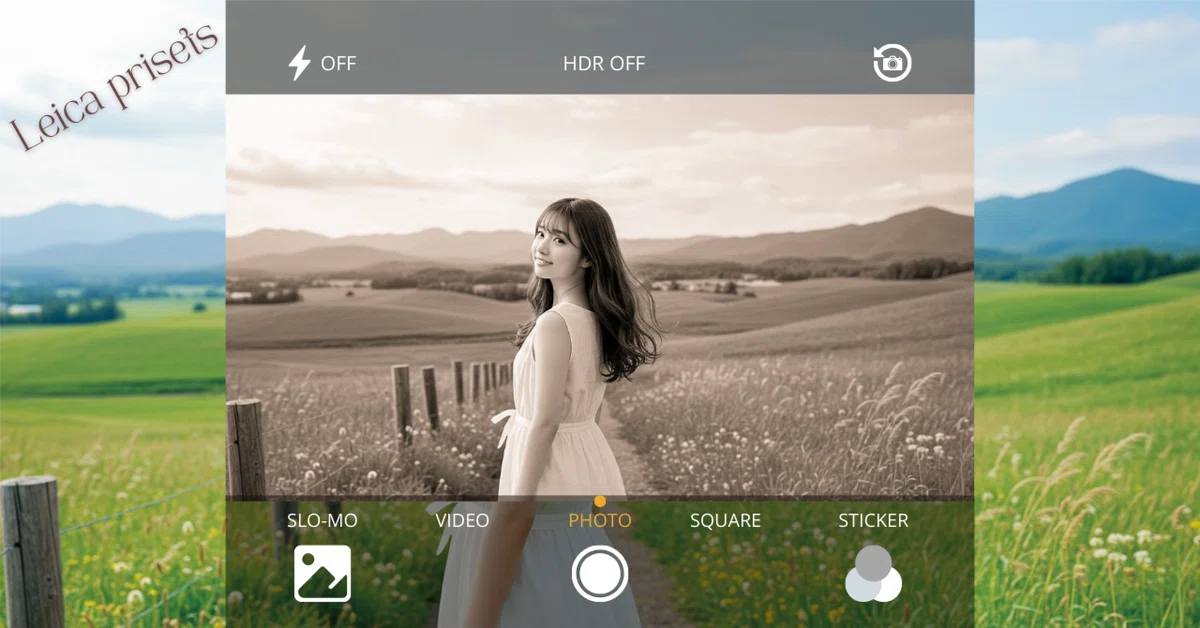
Limited Edition!! 【Leica Presets Complete Set】
Lightroom Presets — 10-Pack
目次
- 🔥 Limited Edition!! 【Leica Presets Complete Set】
- 🌟 Capture the Leica Atmosphere in Your Photos
- 🎨 What’s Included (10 Presets)
- Color Versions (5 Presets)
- Monochrome Versions (5 Presets)
- 📸 Example Use Cases
- ✅ Package Contents
- 💻 Installation Guide
- 1. Download & Extract
- 2. Install in Lightroom Classic (Desktop)
すべて表示
🌟 Capture the Leica Atmosphere in Your Photos
The timeless aura of Leica photography — film-like tonal depth, delicate highlights, and cinematic shadows.
This exclusive 10-pack Lightroom Preset collection brings that Leica signature look to your photos with just one click.
From the legendary Leica Monochrom feel to classic chrome tones, warm film styles, and sepia finishes — both color and monochrome versions are included.
Even if you don’t own a Leica camera, you can still bring that iconic Leica atmosphere to your work.
Leica cameras and lenses are premium and expensive — but this preset pack lets you experience their unique visual world instantly.
🎨 What’s Included (10 Presets)
Color Versions (5 Presets)
- Leica Monochrom Classic (Color Base) — Film-like tonal richness, inspired by Leica Monochrom.
- Leica Classic Chrome — Subdued colors with a cool, editorial tone.
- Leica Summicron Color — Neutral, sharp rendering, perfect for architecture & cityscapes.
- Leica Film Warm Tone — Warm film-style look, ideal for portraits & café shots.
- Leica Vintage Sepia — Gentle sepia tones for a timeless, classic expression.


Monochrome Versions (5 Presets)
- Leica Monochrom Classic Mono — Deep blacks, soft highlights, and subtle grain.
- Leica Classic Chrome Mono — Cool-toned black & white for strong, bold snaps.
- Leica Summicron Mono — Sharpened details with crisp monochrome contrast.
- Leica Film Warm Tone Mono — Gentle warmth with a soft B&W film look.
- Leica Vintage Sepia Mono — Sepia-tinted monochrome for a classic touch.


📸 Example Use Cases
- Street Photography → Dramatic light and shadows
- Portraits → Smooth skin tones with cinematic flair
- Architecture / Cityscapes → Sharp, neutral, and modern
- Café & Everyday Life → Warm, nostalgic film tones
- Art & Documentary → Classic sepia or Leica-style monochrome
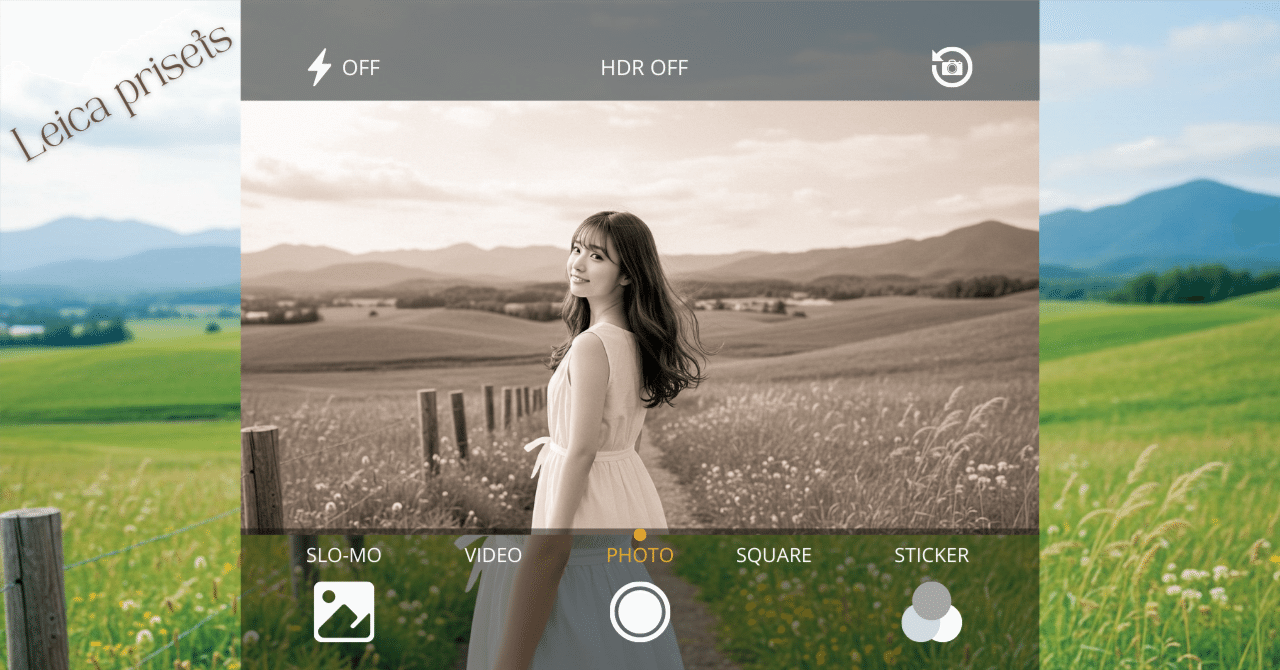
(Sample images shown are examples; presets are included in download.)
✅ Package Contents
- 10 Lightroom Presets (.xmp format)
- 10 Mobile Presets (.dng format)
- Step-by-Step Installation Guide (included in article)
💻 Installation Guide
1. Download & Extract
After purchase, download the ZIP file and extract it. Inside, you’ll find both .xmp (desktop) and .dng (mobile) files.
2. Install in Lightroom Classic (Desktop)
- Open Lightroom Classic
- Go to Presets Panel → click the “+” icon
- Select Import Presets
- Choose the extracted .xmp files
- Presets will appear under “User Presets”
3. Install in Lightroom Mobile (Smartphone)
- Transfer .dng files to your phone (AirDrop, email, or cloud storage)
- Open Lightroom Mobile and import the .dng files
- Open a DNG file → Tap “…” → Save as Preset
- Name it → Done! Now you can apply it with one tap
4. How to Use
- Open any photo in Lightroom
- Go to Presets (left panel on desktop / bottom menu on mobile)
- Apply the desired preset
- Adjust exposure and brightness slightly for best results
🛠 Troubleshooting
- Presets not showing? → Make sure you extracted the ZIP before importing
- Mobile issue? → Use .dng files (not .xmp)
- Colors don’t match? → Adjust exposure or white balance depending on your lighting
🙋 FAQ
Q. Do I need RAW files?
A. No — works with RAW, JPEG, smartphone photos, and even AI-generated images.
Q. Will presets disappear after restart?
A. No, once imported they stay saved in Lightroom.
Q. Can I undo changes?
A. Yes, just hit the Reset button to return to the original photo.
🎁 Perfect For
- Photographers who want the Leica look without Leica prices
- Those who love both color & monochrome aesthetics
- Creators who want a unique style for social media & blogs
- Fans of film-inspired, vintage, and artistic tones
💰 Price
Leica Presets Complete Set (10-Pack)
💵 ¥2,000
Bring the soul of Leica to your photography —
with just one click in Lightroom.
👉 Available for instant download after purchase.
👉 Includes presets for both desktop & mobile Lightroom.
✨ Ready to transform your photos with the Leica magic?
https://plusys.thebase.in/items/116555973

コメント